Code editor
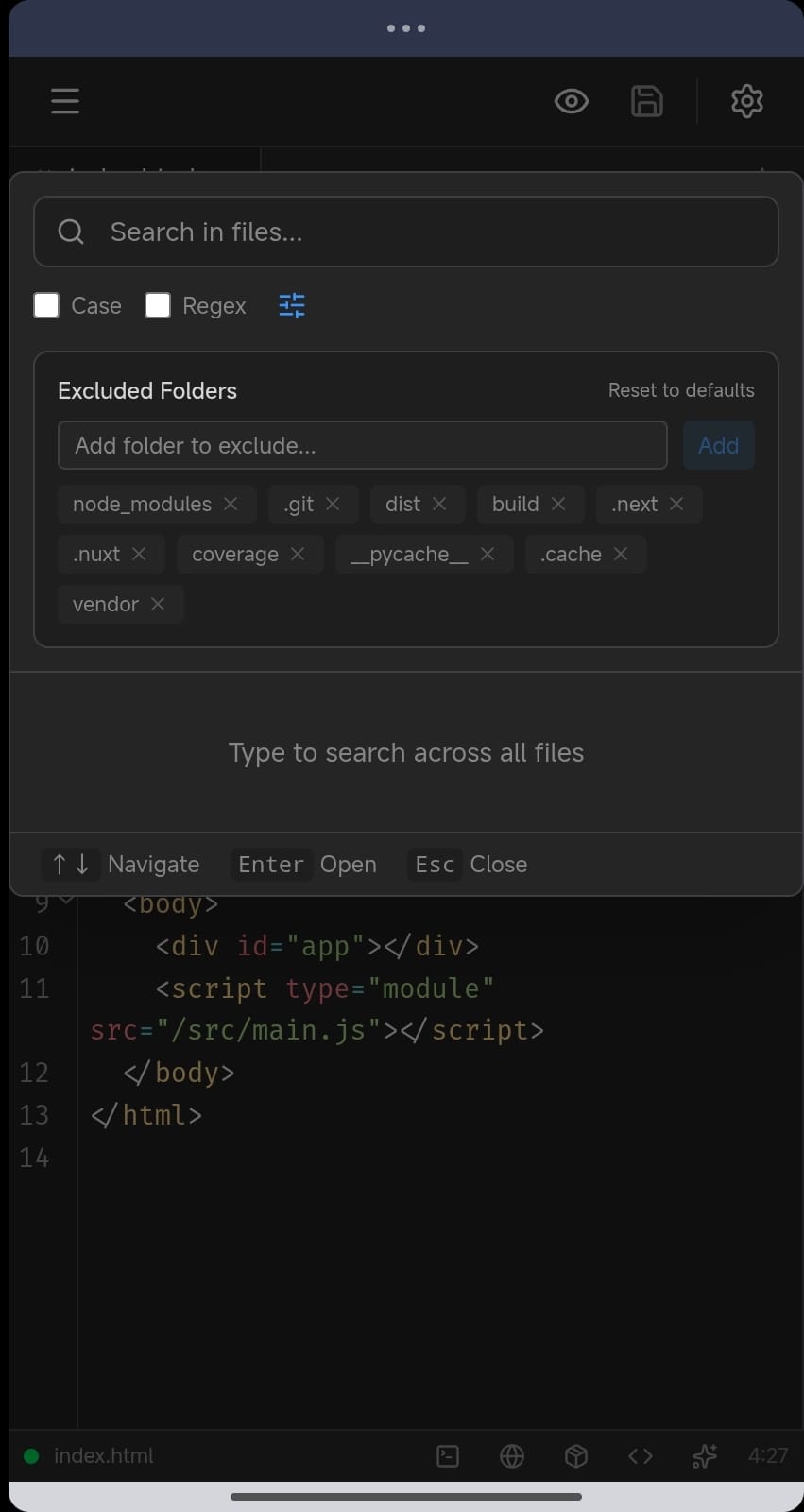
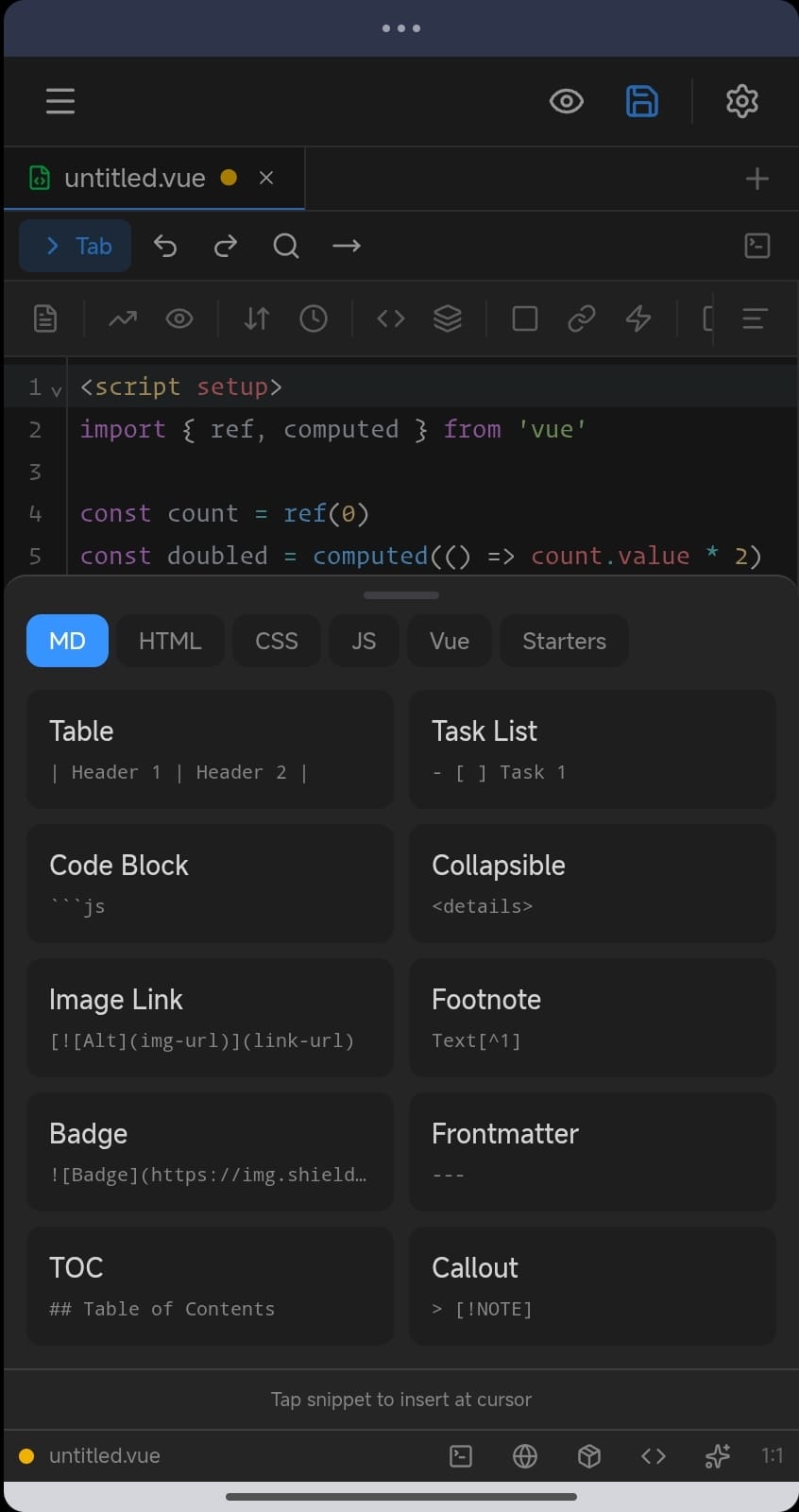
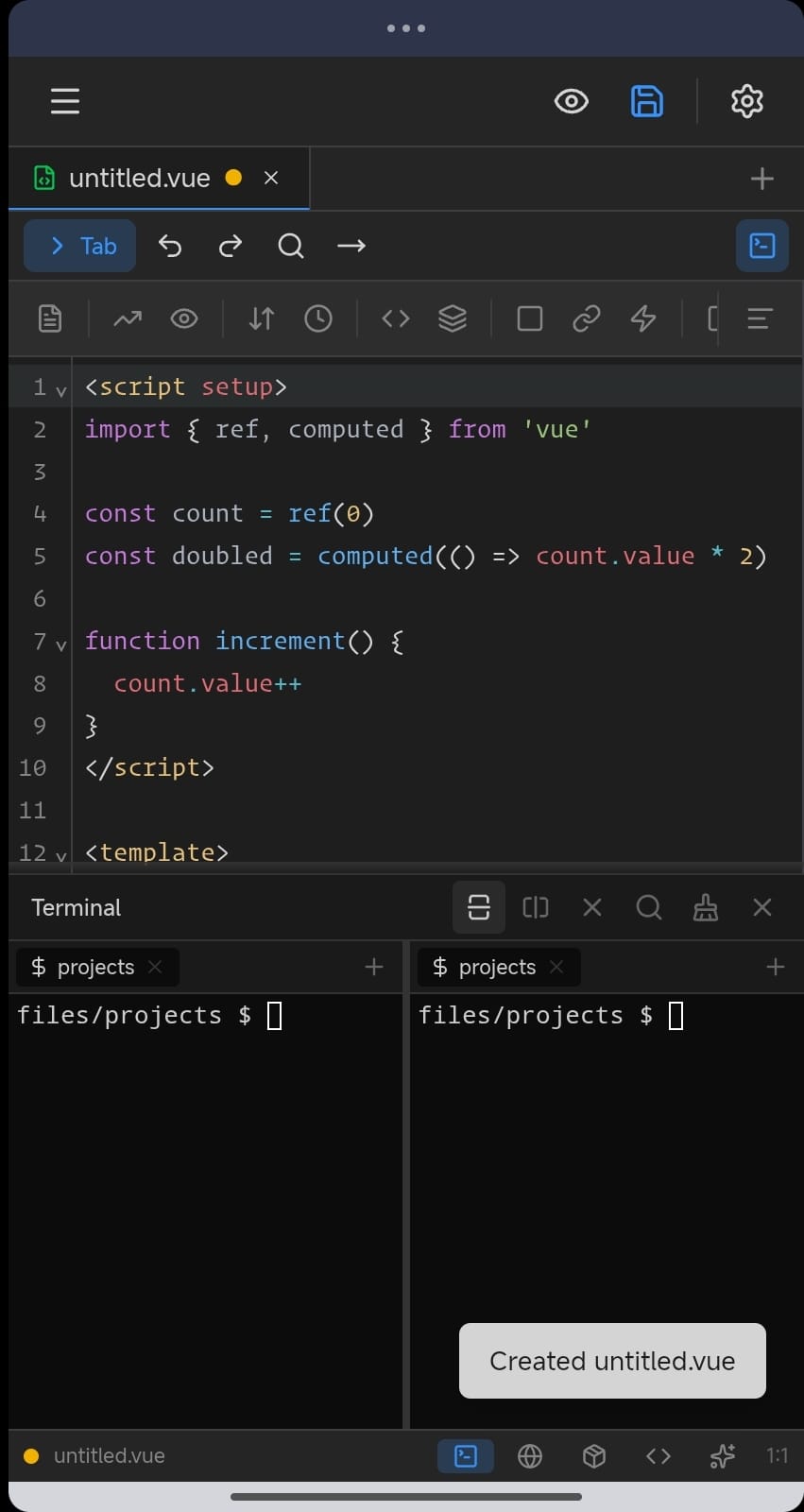
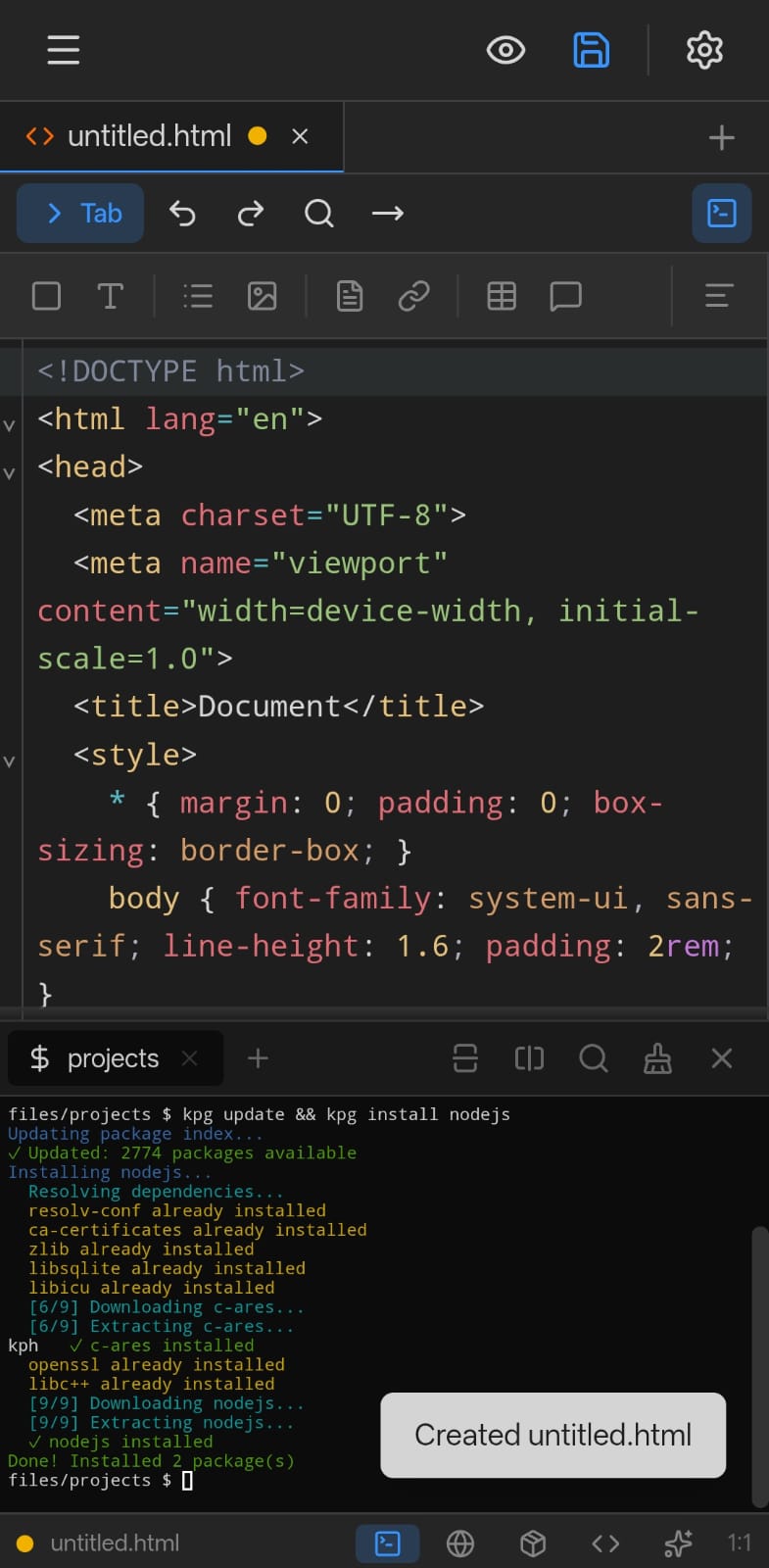
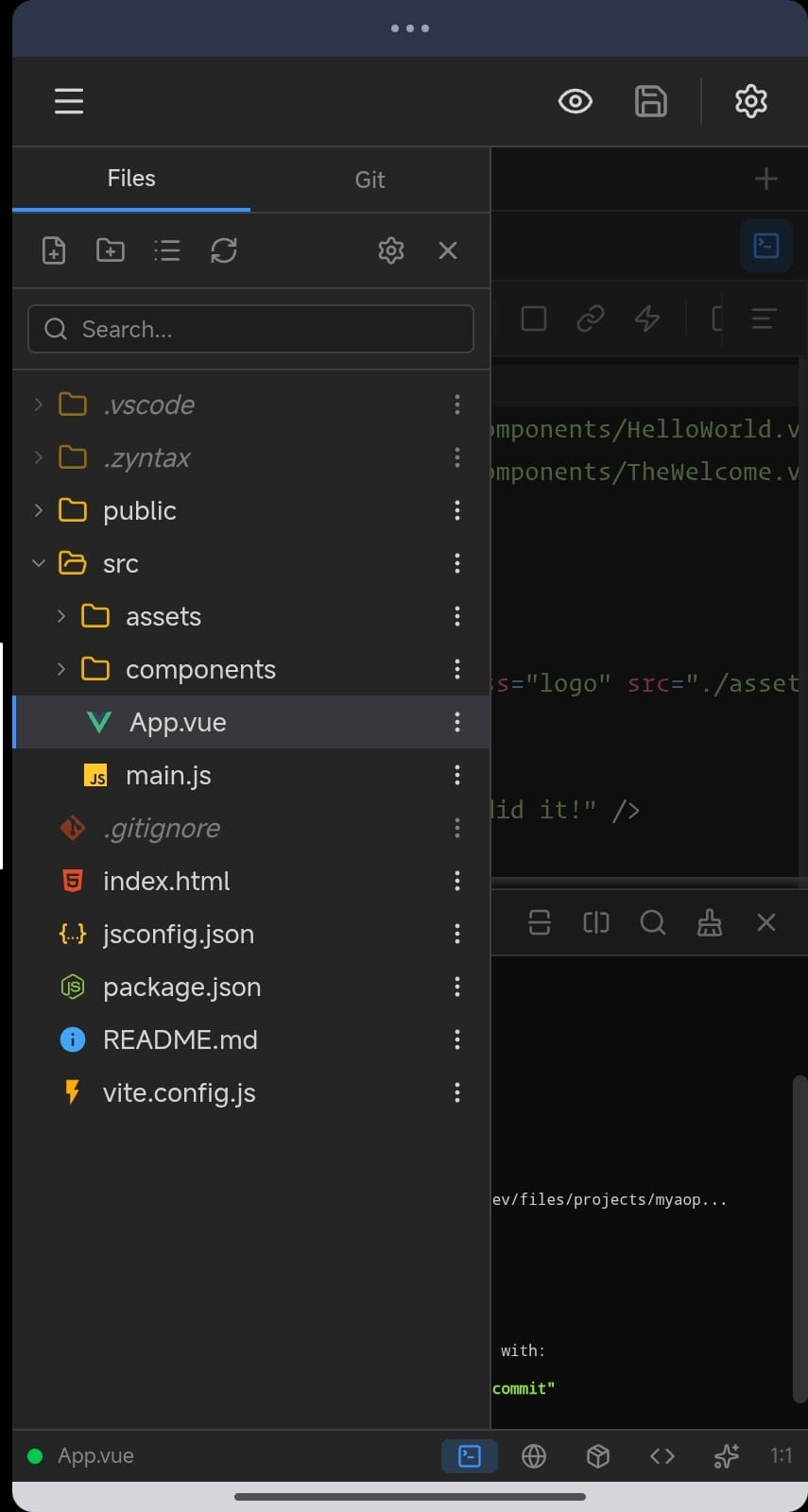
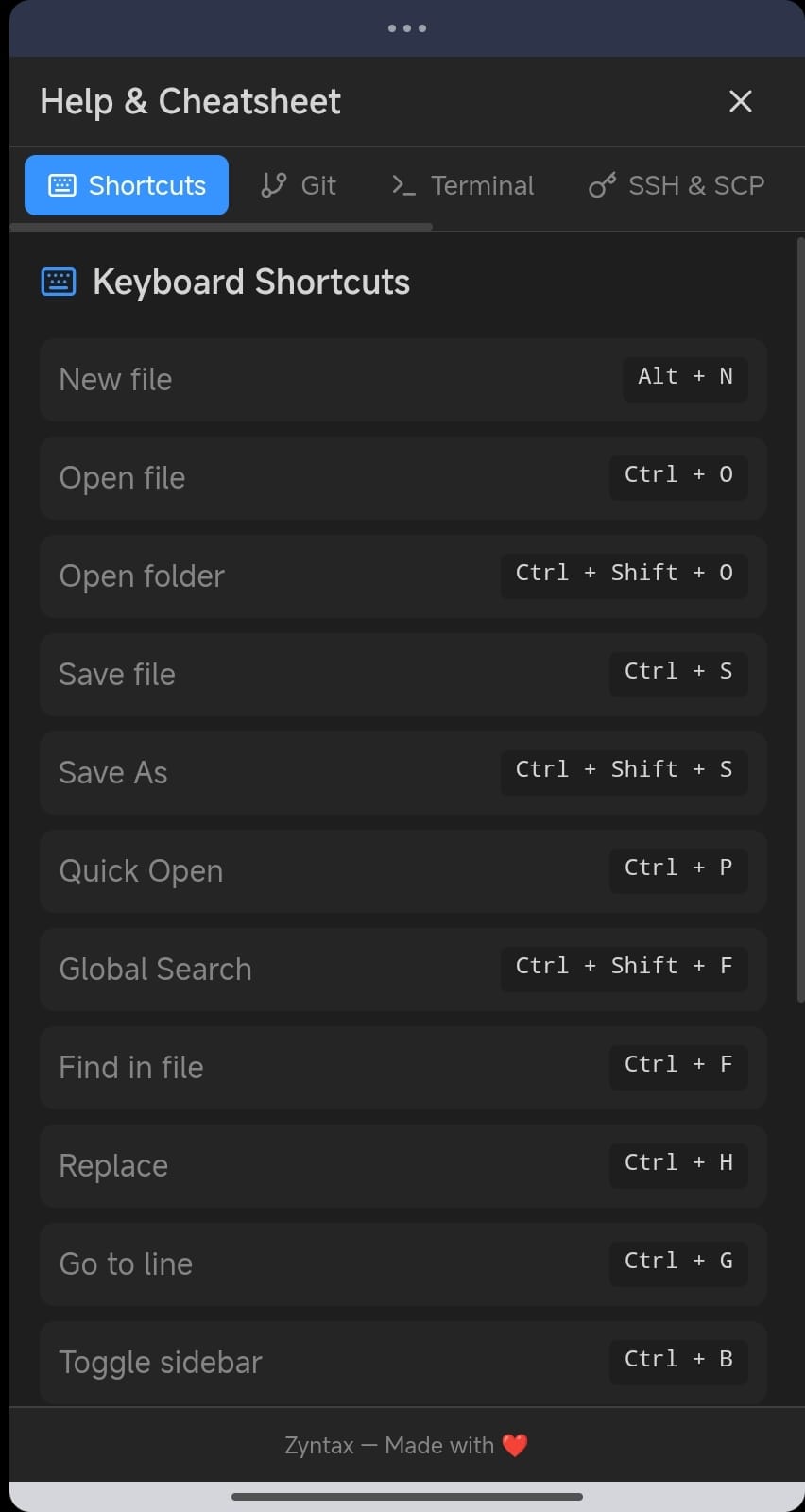
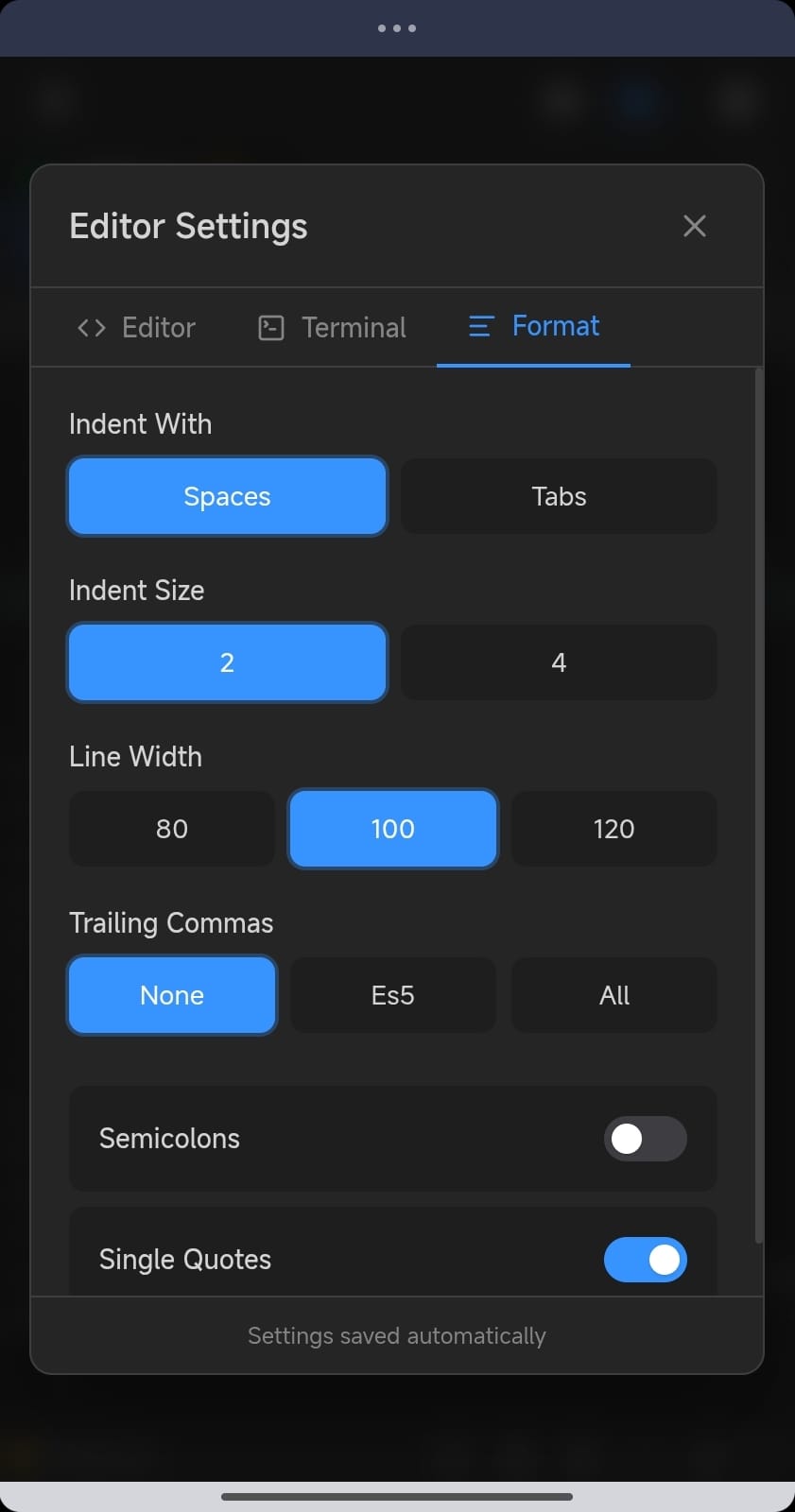
Syntax highlighting for 10+ languages, autocomplete, find & replace, multiple cursors and keyboard shortcuts.
JavaScriptPythonHTMLCSSVueJSONYAMLMarkdown
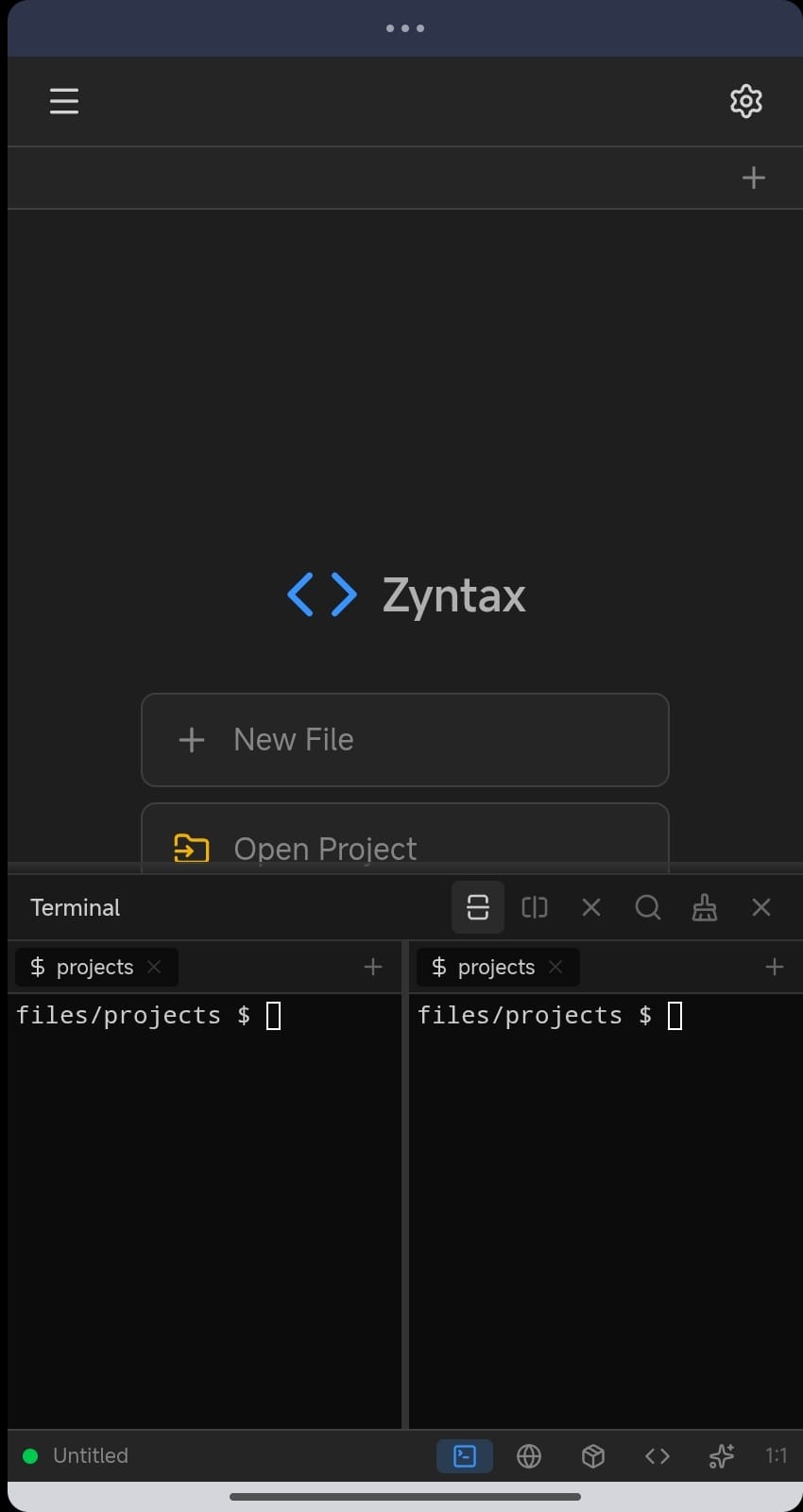
Terminal, Git, AI assistance and a package manager. Zyntax puts a capable development environment in your pocket. No laptop required.
Free forever. Full version is a one-time $9.99 with no subscriptions.
Features
From code editing to deployment, Zyntax gives you professional tools on your Android device.
Syntax highlighting for 10+ languages, autocomplete, find & replace, multiple cursors and keyboard shortcuts.
A full PTY terminal with bash and zsh. Run scripts, execute commands, and work like you do on a desktop.
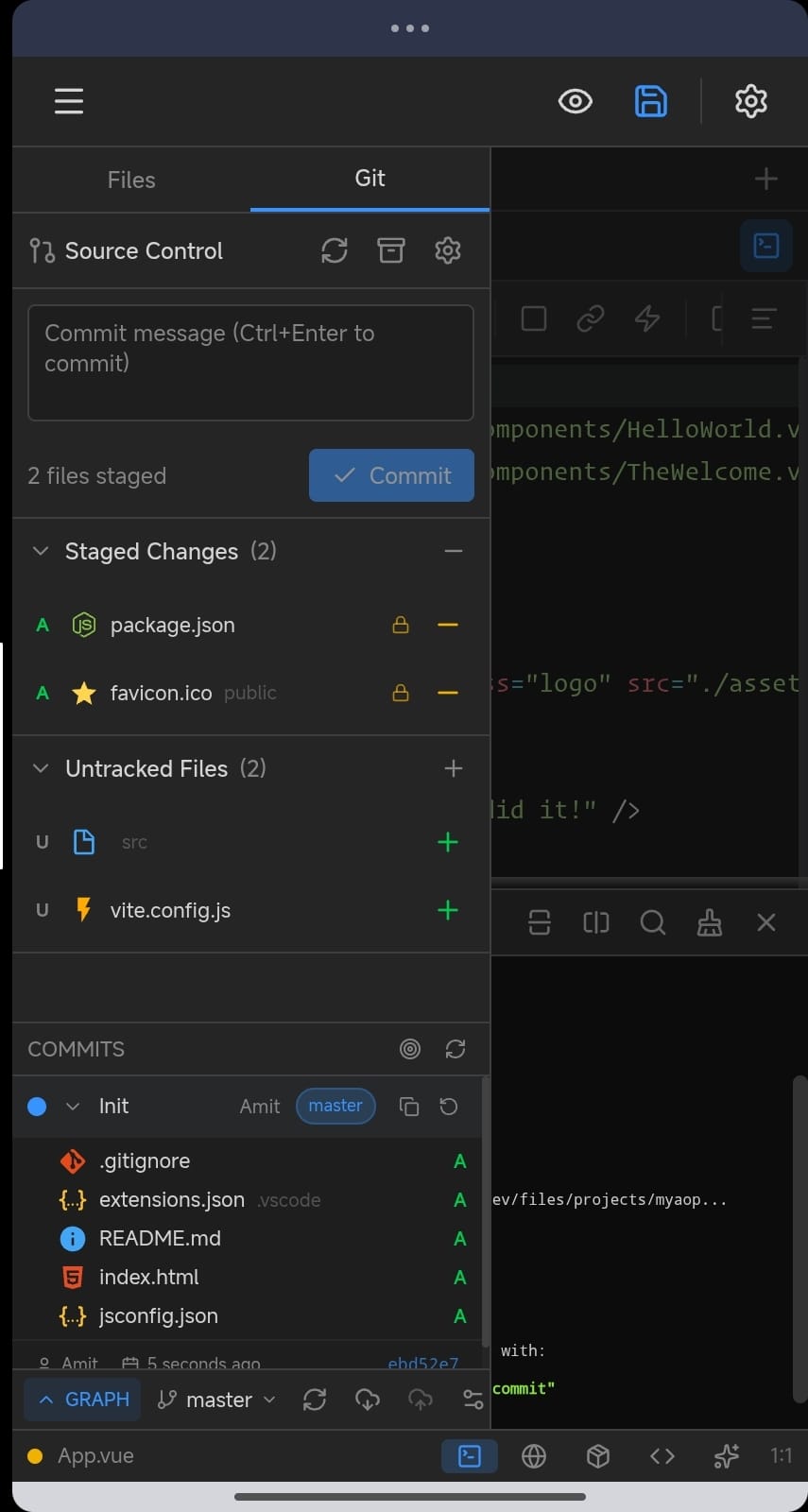
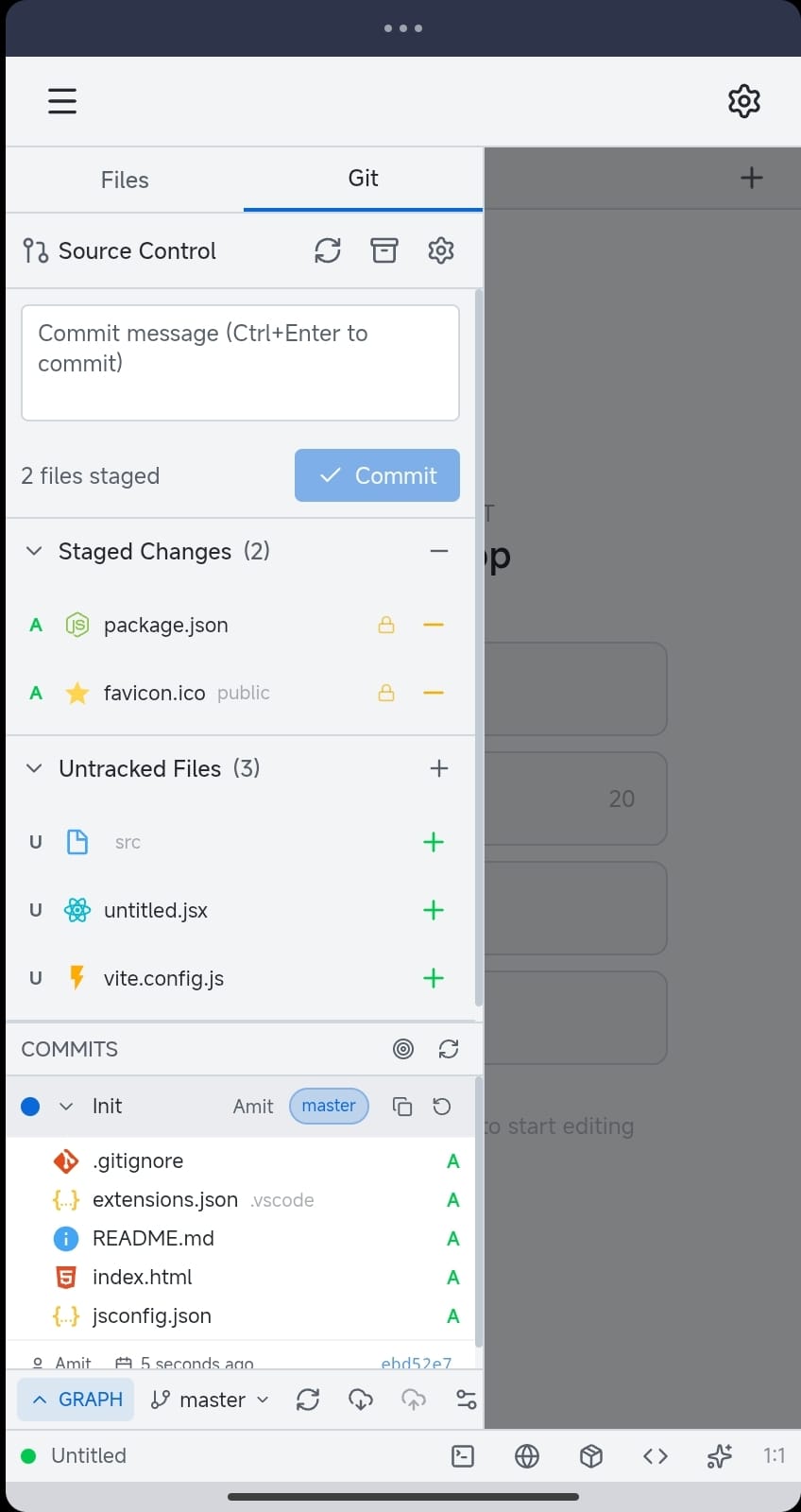
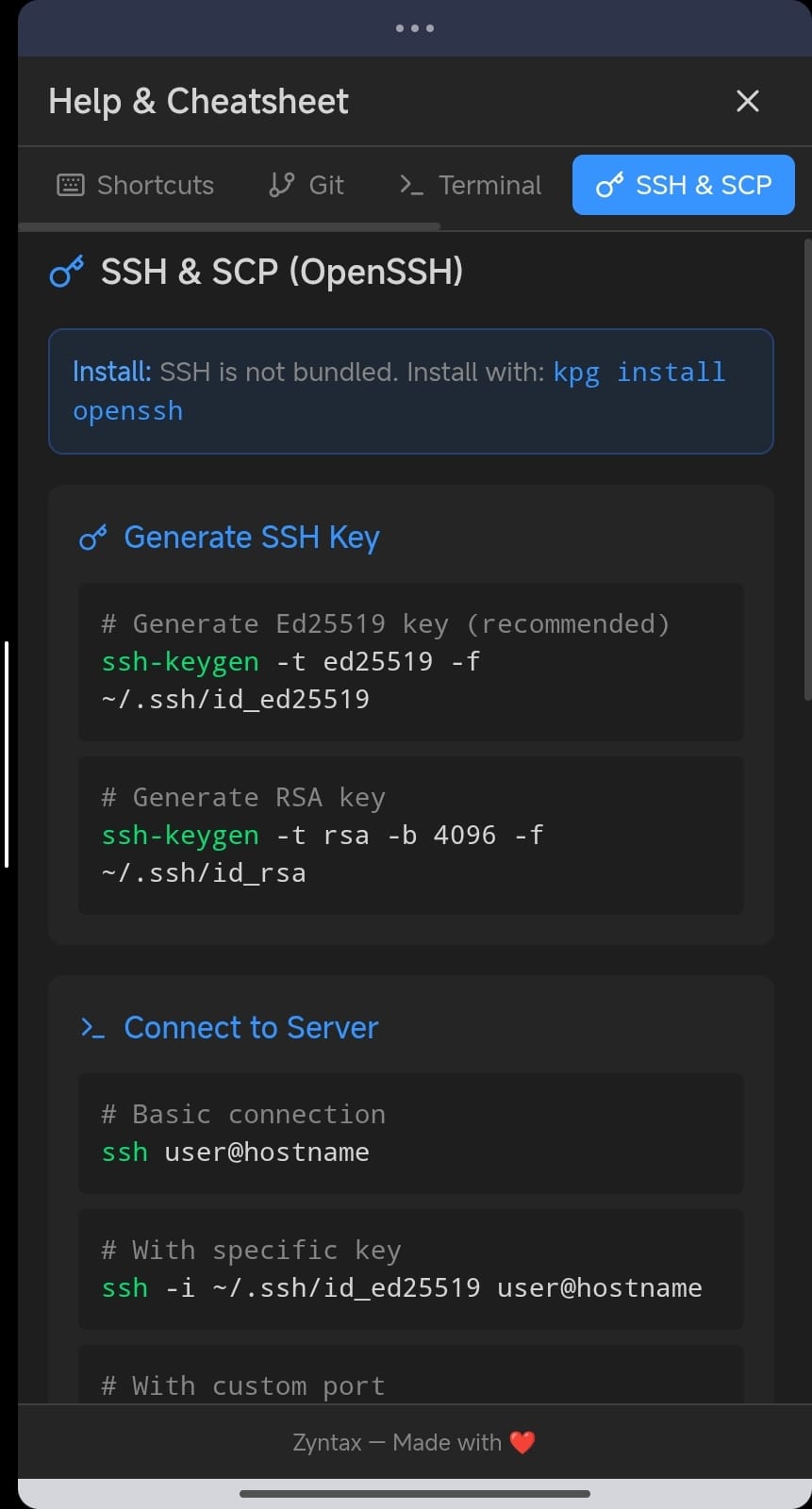
A visual interface for Git. Clone, commit, push, pull, branch and merge without leaving the app.
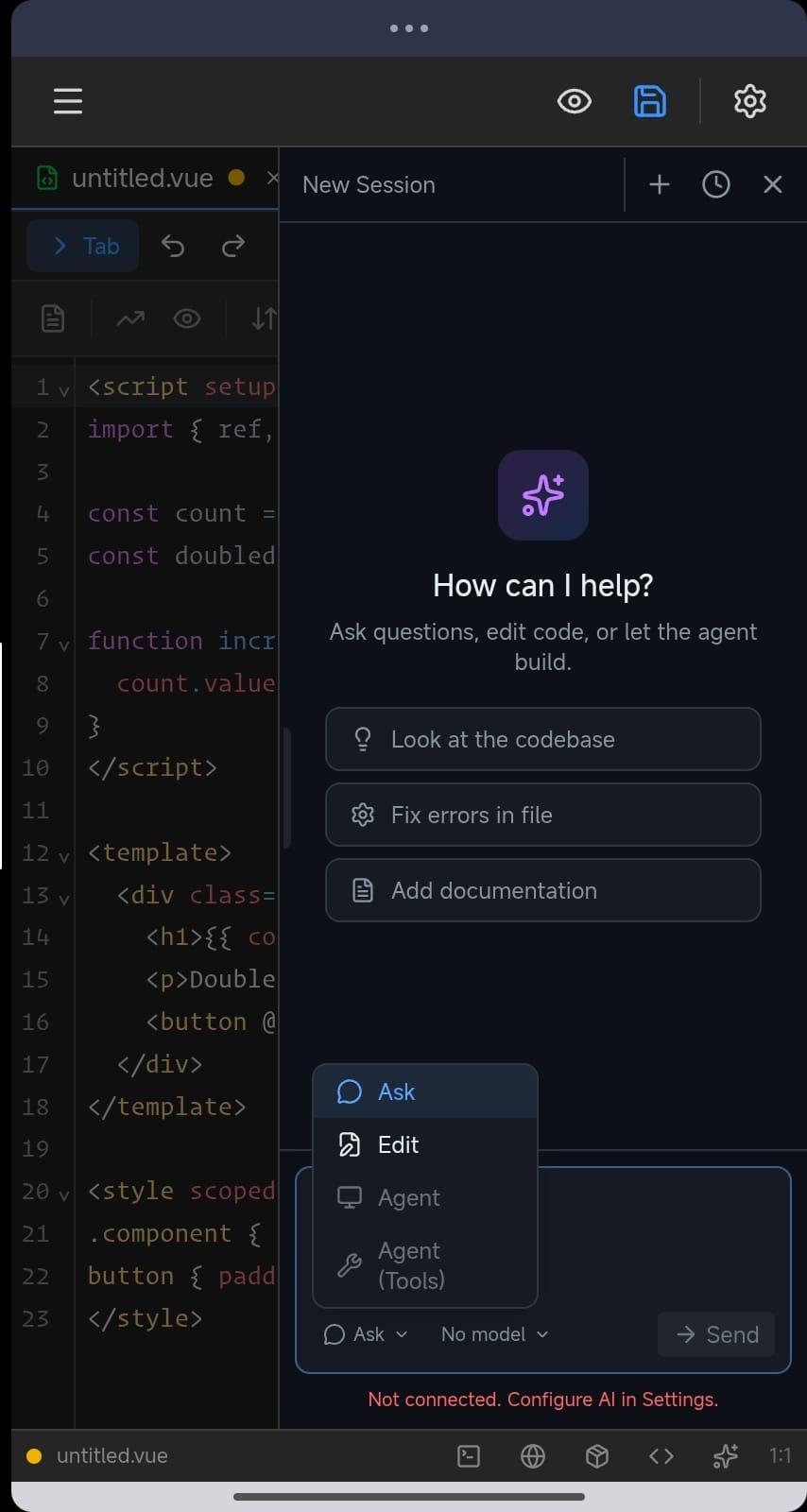
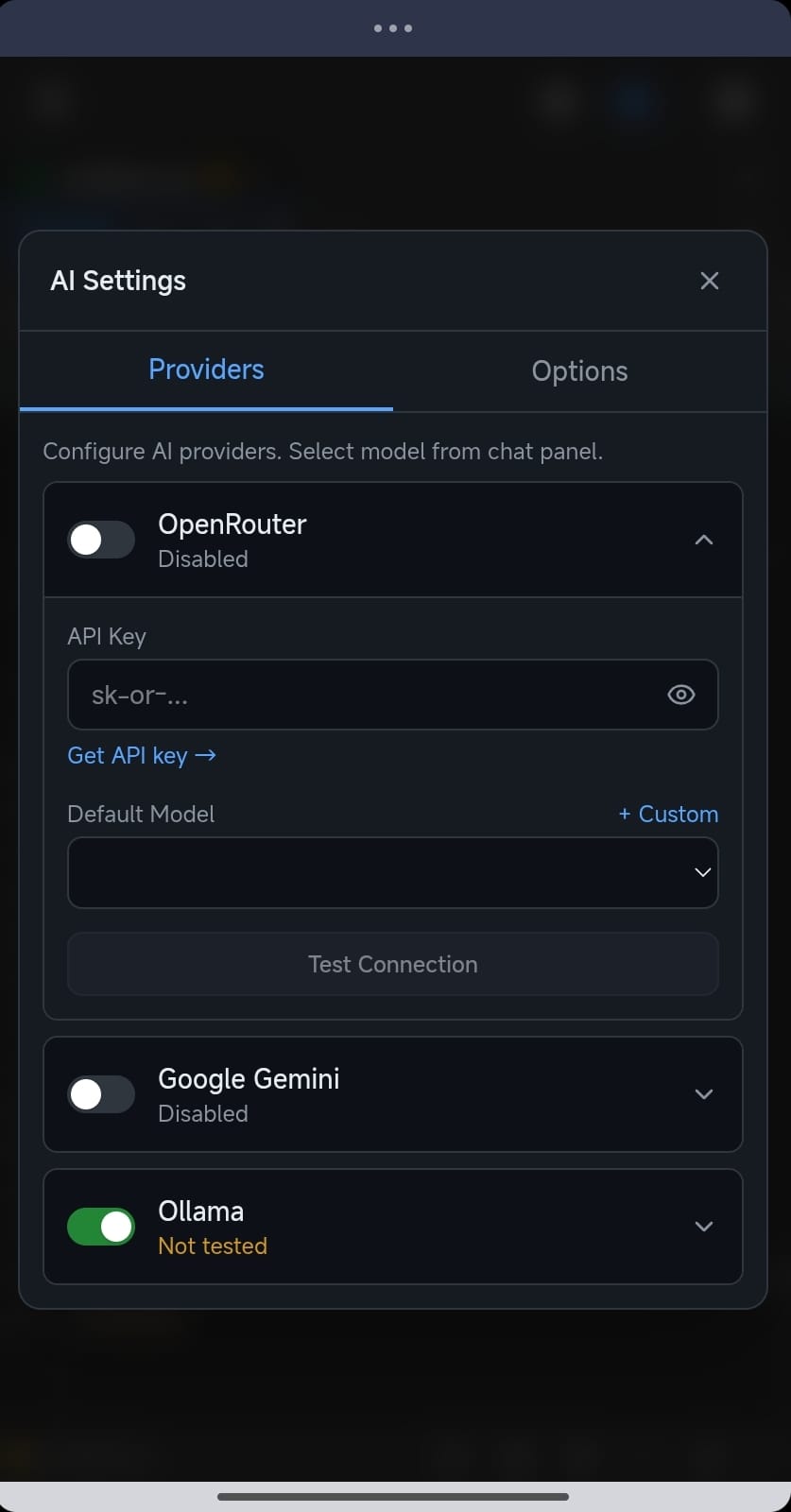
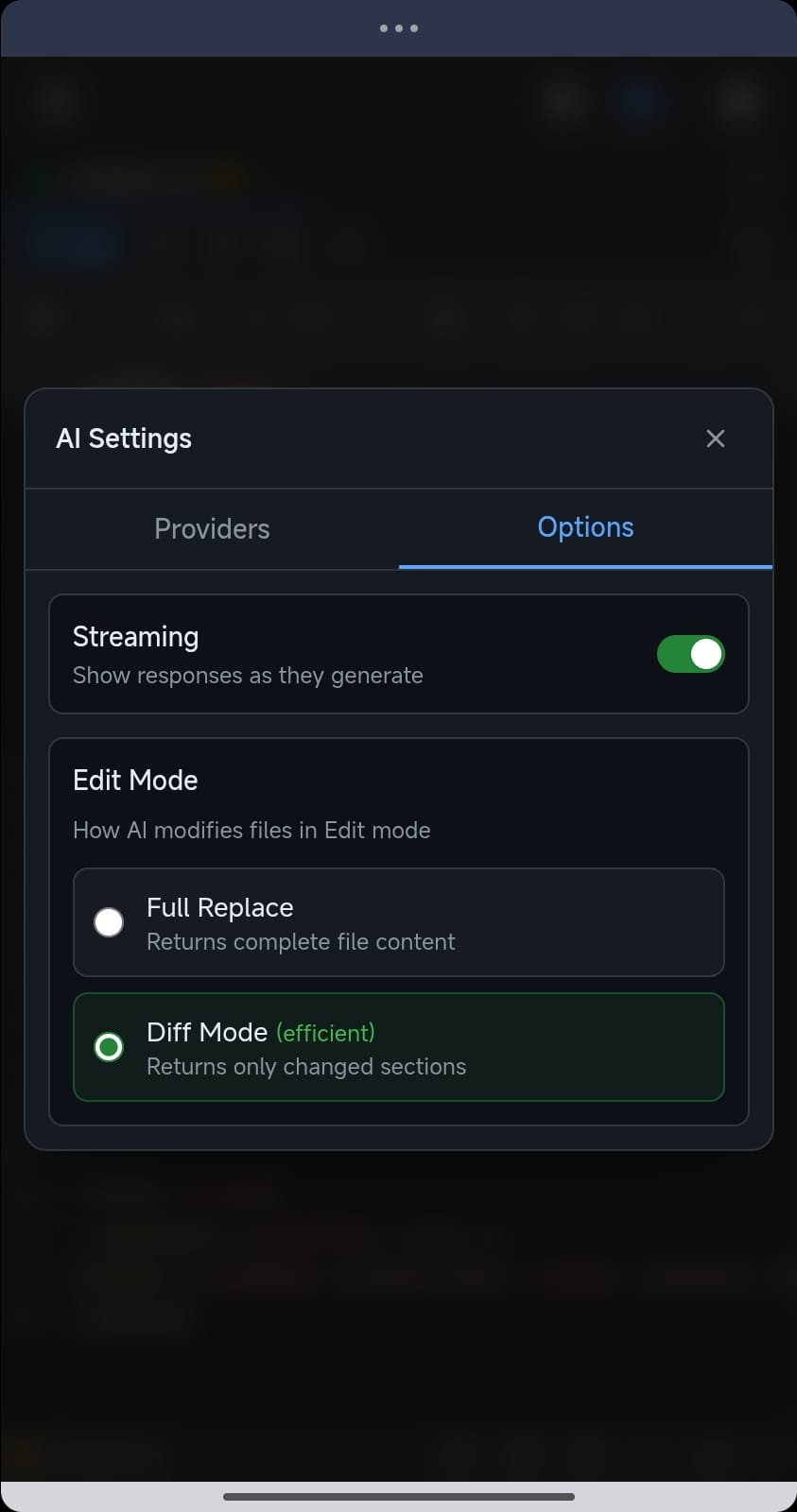
AI that understands your code. Get help, fix bugs and write faster using your own API key.
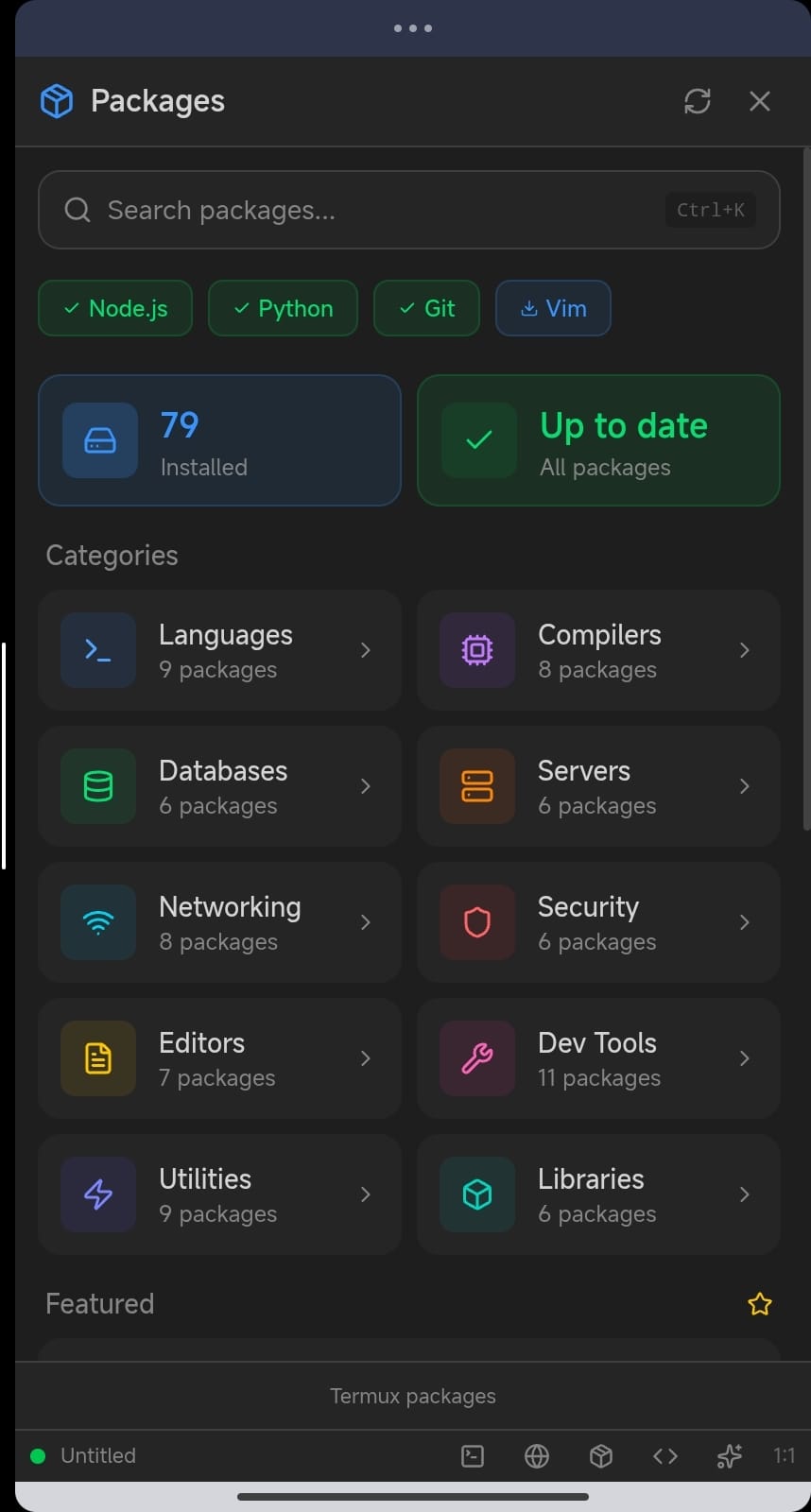
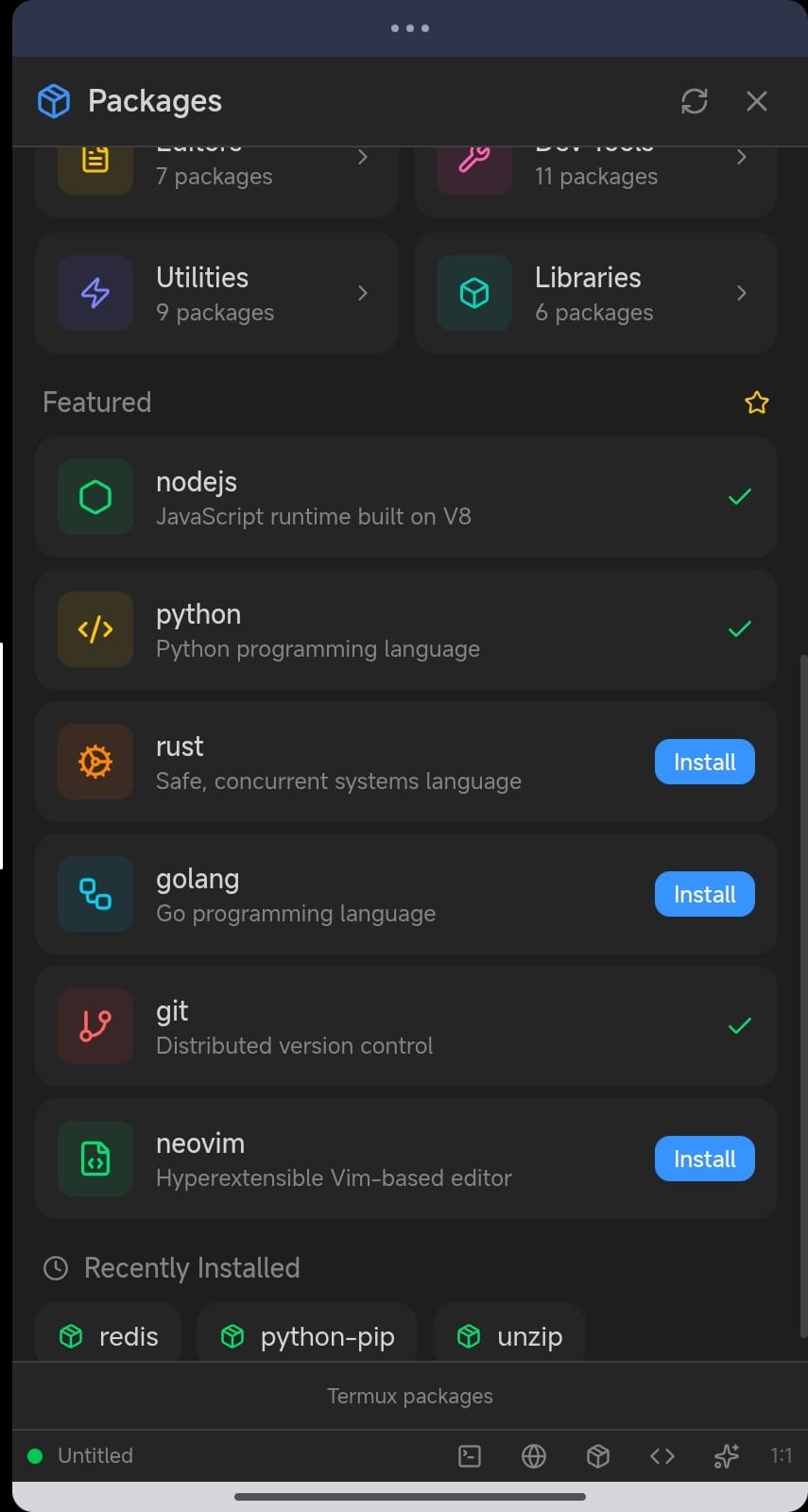
Install real development tools. Node.js, Python, PHP, Rust, Go, and hundreds of packages.
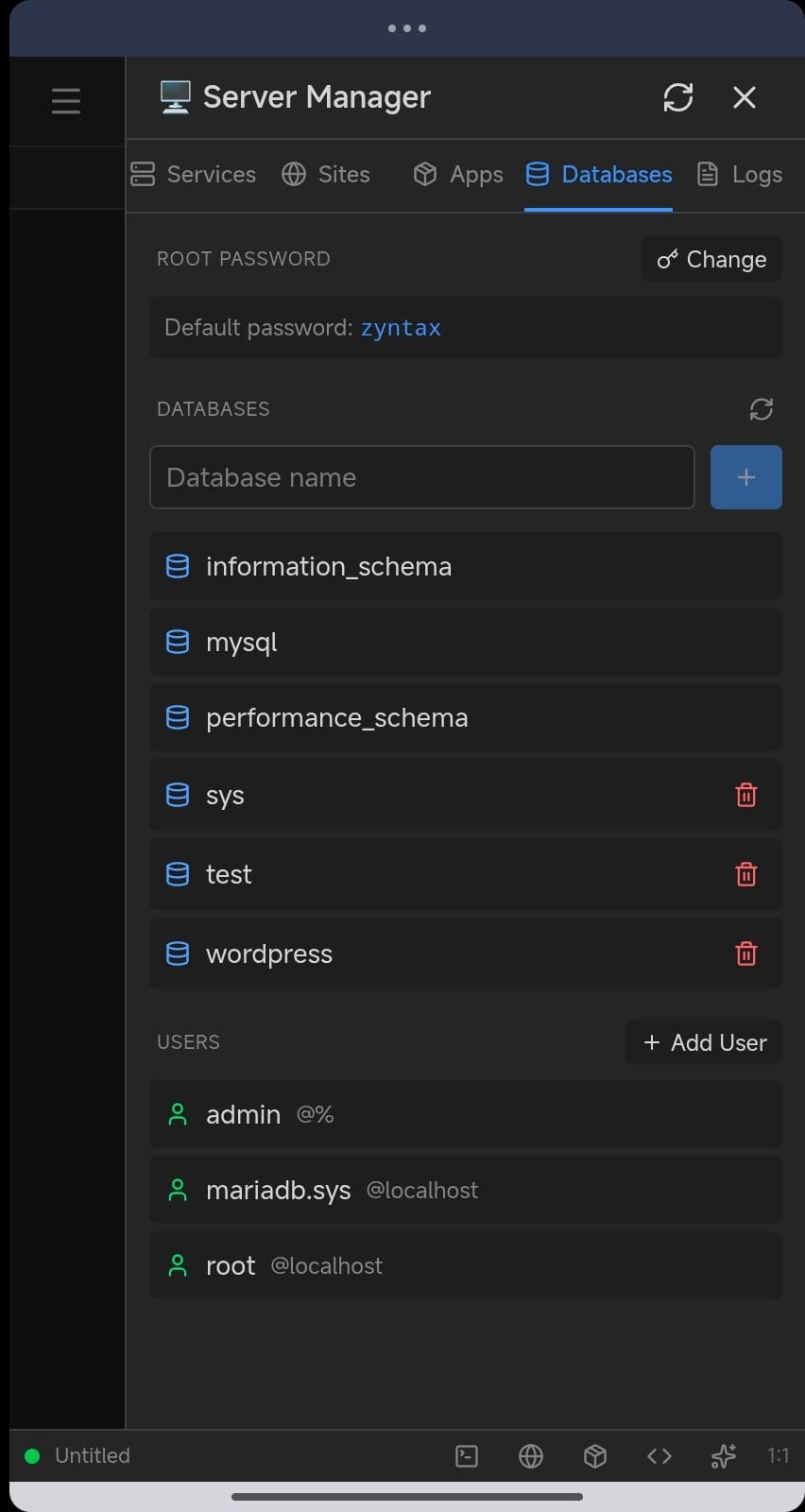
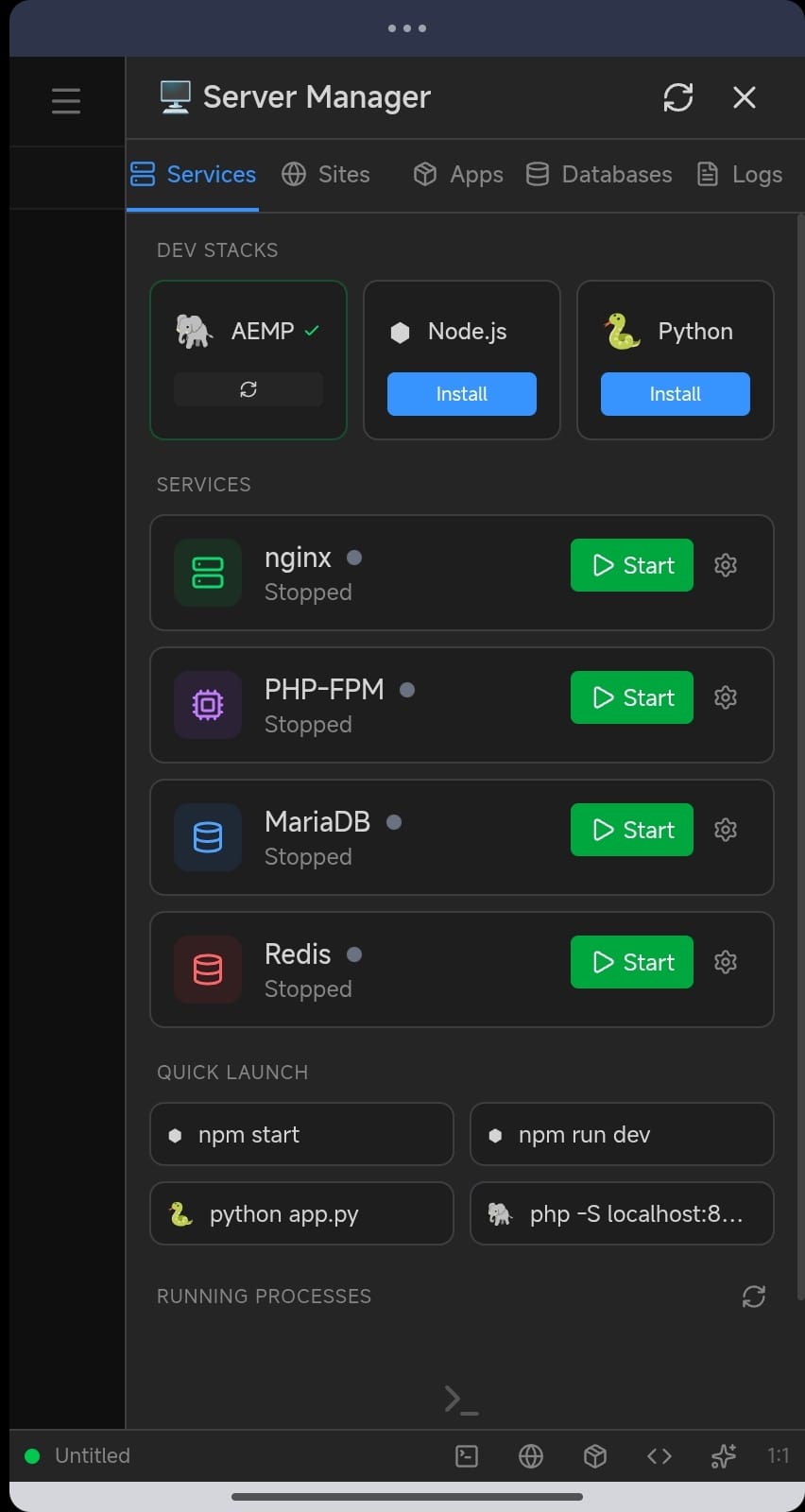
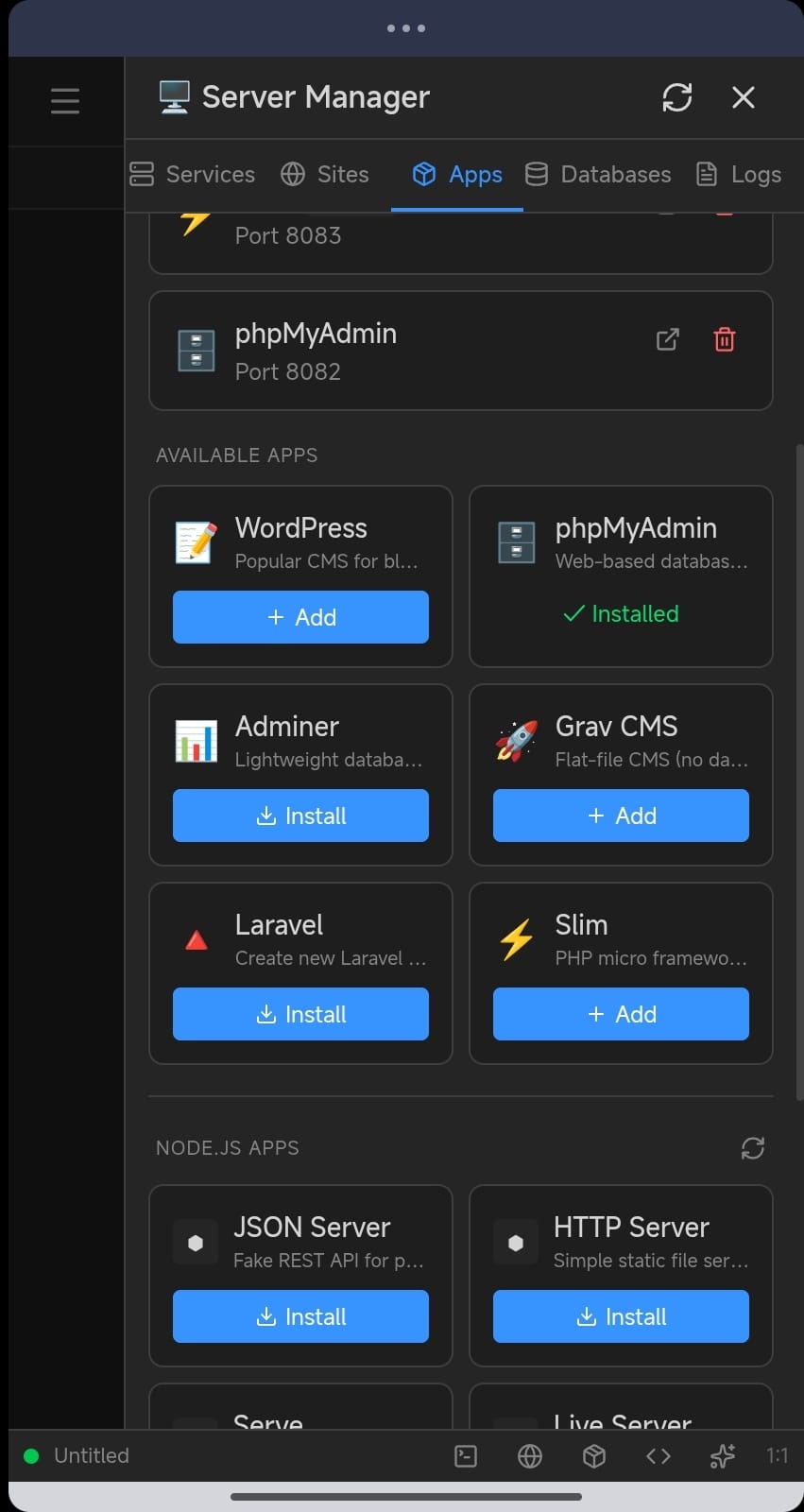
Run nginx, PHP-FPM, MariaDB and Redis. Turn your phone into a portable dev server.
Use cases
Whether you're learning, building or fixing, Zyntax adapts to how you work.
Practice anywhere. Run code instantly and learn by doing, no laptop needed.
Pull the repo, make the change, test, then push all from your phone.
Work during commutes or lunch breaks whenever inspiration strikes.
Run nginx, databases and PHP on your device. Great for demos and testing.
Pricing
Lite is free forever. Full is a one-time purchase, no subscriptions.
Learning and light development.
A complete development environment.
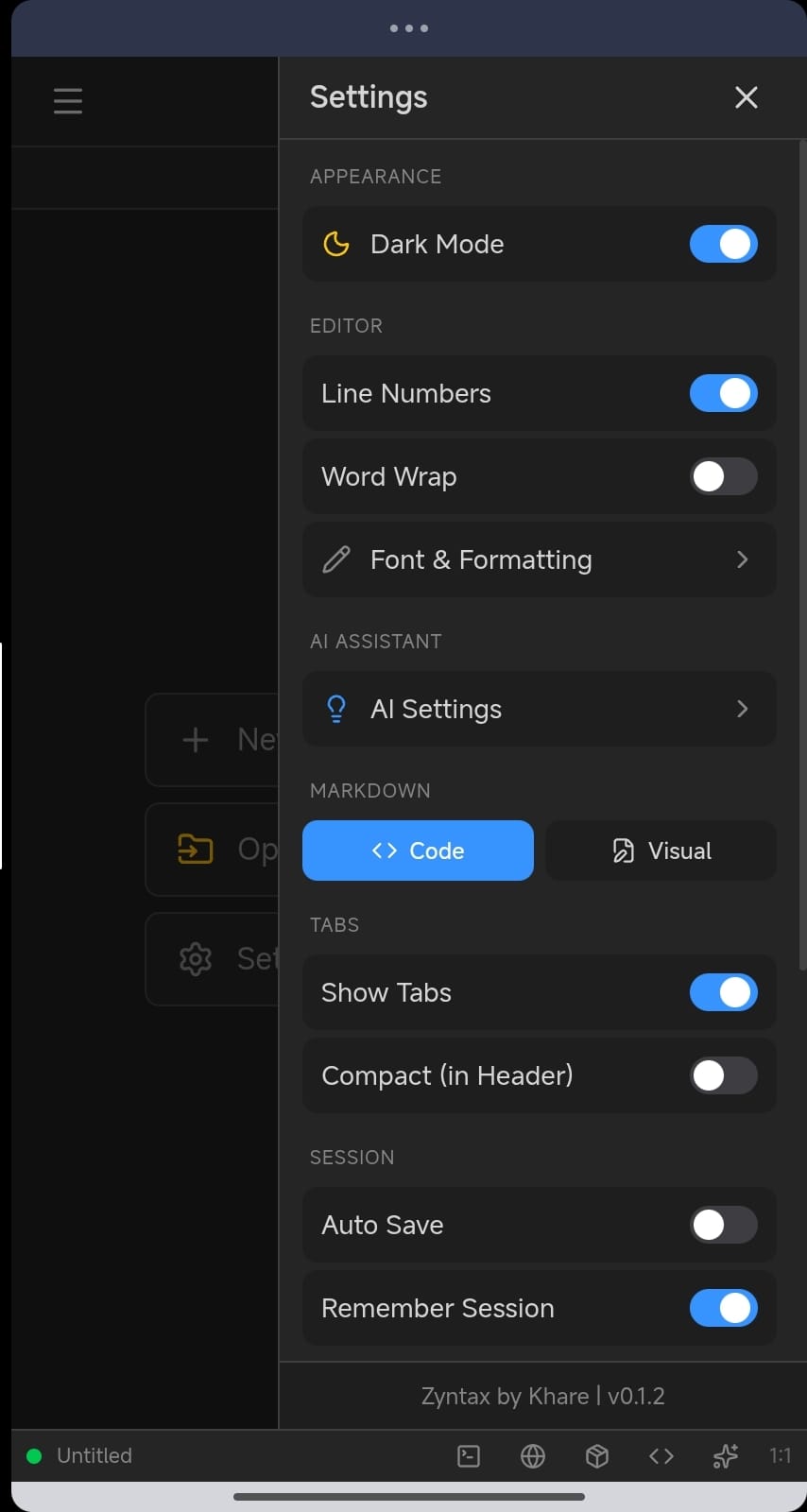
Both versions support your own AI API keys (OpenRouter, Gemini, Ollama). No data collection. Your code stays on your device.
FAQ
No. Zyntax runs entirely on your Android device. You can write, test, and deploy without a computer.
Yes, with Zyntax Full. The package manager installs Node.js, Python, PHP, Rust, Go and hundreds of other packages directly on your device.
Zyntax works with AI providers like OpenRouter, Google Gemini and Ollama. You bring your own API key, so your data stays private and you control costs.
No. All your code stays on your device. Zyntax is local-first with no cloud storage and no data collection. You keep full control over your files.
Lite is free with ads and includes the editor, terminal, Git and AI. Full is a one-time purchase that adds the package manager, server manager, split terminal and removes ads.
Yes. Many developers use Zyntax for quick fixes, emergency deployments and full project development. It's a real IDE, not a toy.
Yes. Once your project files and tools are installed, you can code offline. Only AI features and package downloads need internet.
No subscriptions, ever. Lite is free forever. Full is a one-time purchase with lifetime access and all future updates.
Still have questions? Contact support
Join developers building real projects right from their Android devices.
No subscription · Privacy-first · Local-first